



تفاصيل
Description
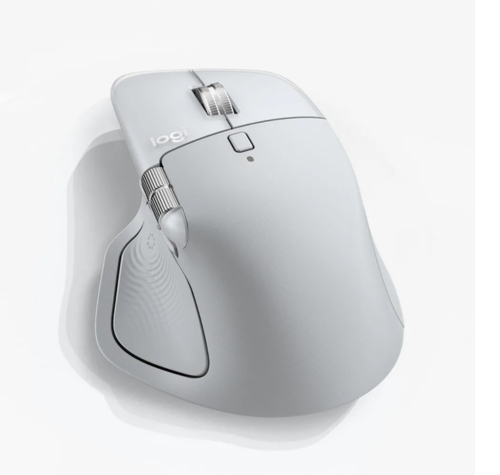
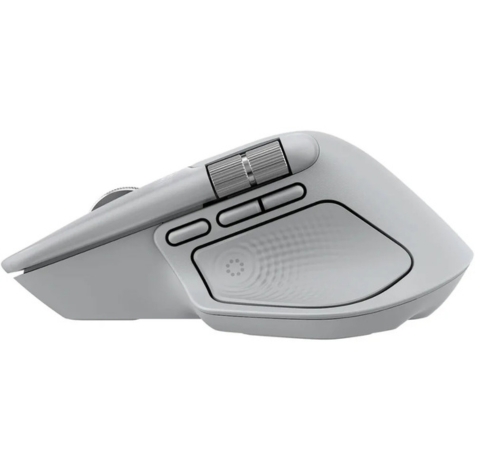
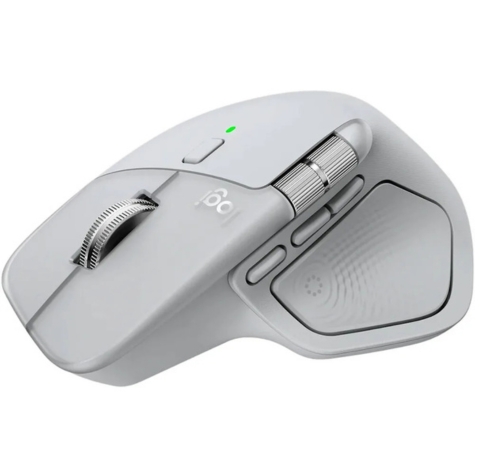
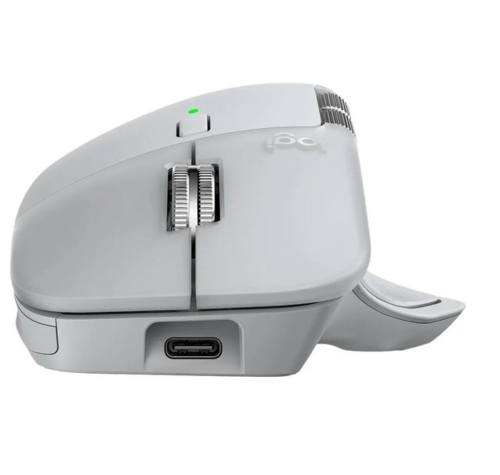
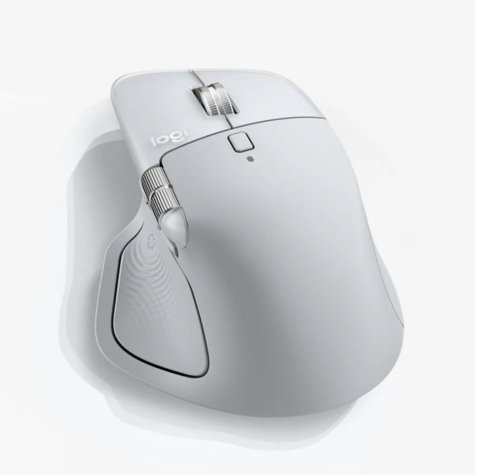
Meet the MX Master 4 for Mac that brings immersive control and precision you can feel with customizable haptic feedback on specific actions. Save up to 33% of your time with Actions Ring shortcuts and MX Master 4 for Mac, by accessing tools and filters at your cursor. Additional features: 2x better connectivity, ultra fast scrolling with the MagSpeed scroll wheel, 8k DPI any surface tracking, including glass & Logi Options+ for customization.
Our most advanced wireless mouse designed for Mac

Designed for Mac
*Requires Logi Options+ app, available for Windows and macOS at app.logi.com.

Immerse yourself with the Haptic Sense Panel
*Requires Logi Options+ app, available for Windows and macOS at app.logi.com.

Save up to 33% of your time with Actions Ring shortcuts*
Additional Features
Scroll 1,000 lines per second

Track on any surface, even glass* with the 8K dpi sensor
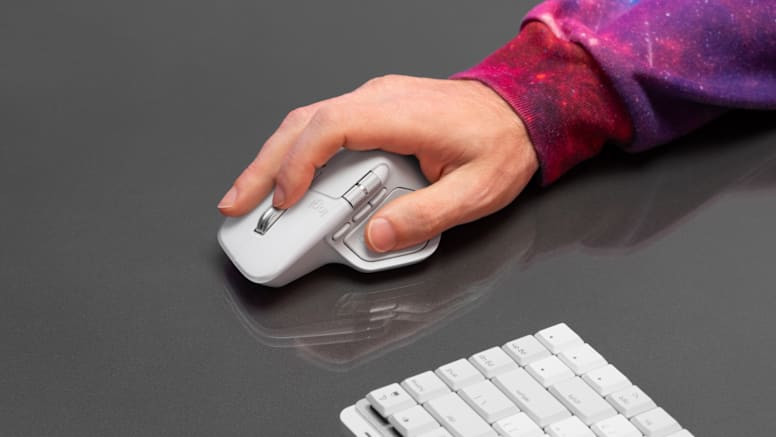
More comfort. Deeper focus.
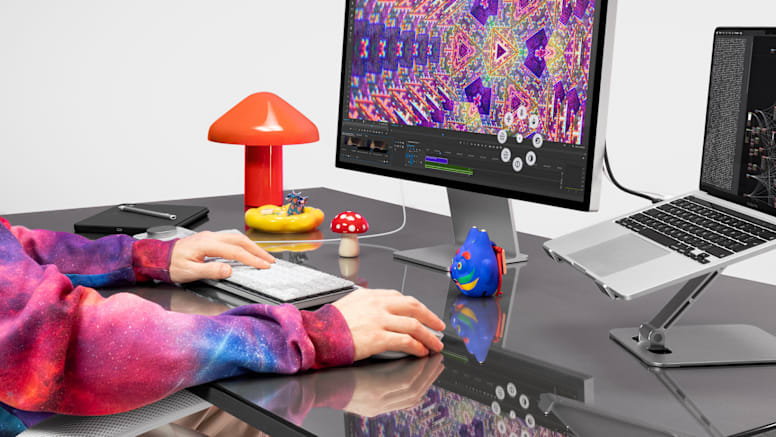
Deeper flow with 90% less click noise*
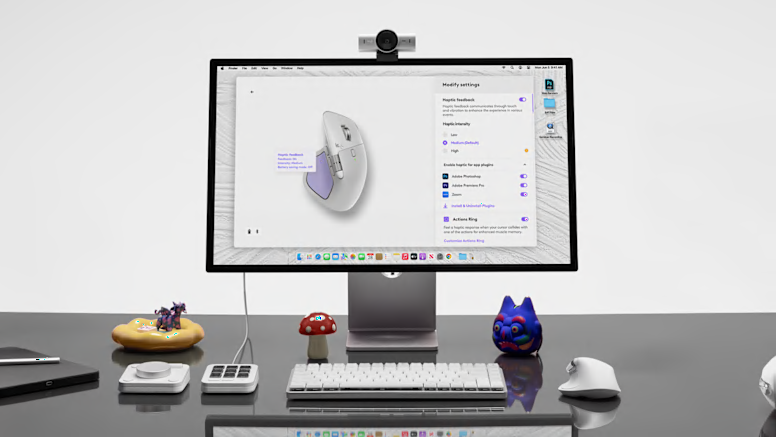
Do more with Logi Options+
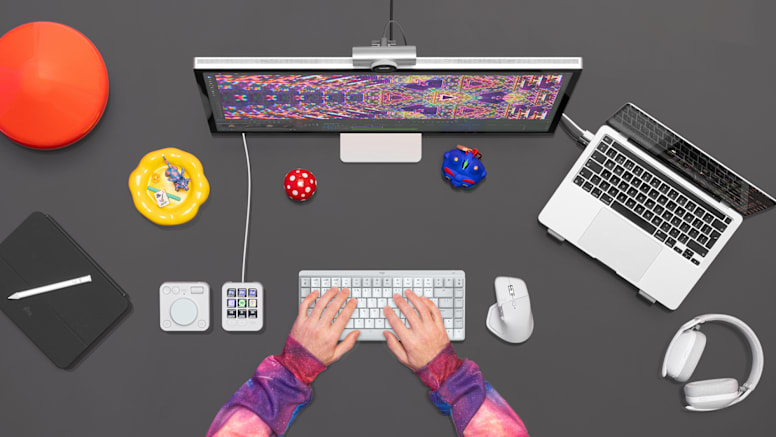
Work seamlessly across Apple devices
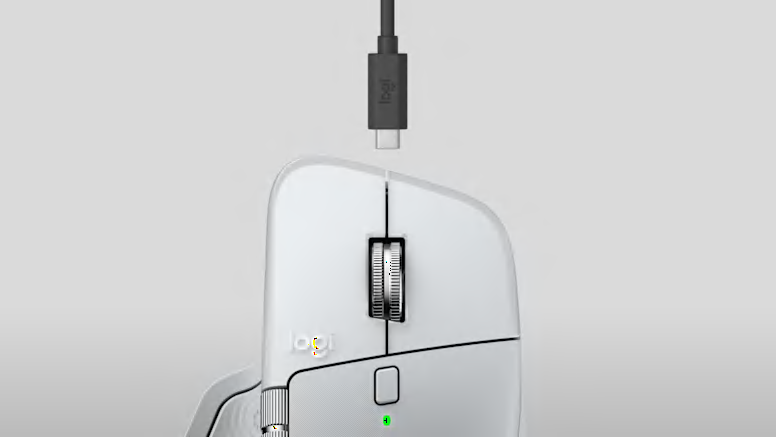
USB-C quick charging, long lasting
What’s in the box
- الرئيسية
- »
- الكمبيوتر/ الأجهزة اللوحية
- »
- اكسسوارات الكمبيوتر
- »
- الفارة
- »
- ماوس لوجيتك MX Master 4 اللاسلكي لأجهزة ماك – أبيض فضي
لوجيتك عدد الأزرار: 8 عجلة تمرير MagSpeed شحن سريع عبر USB-C، عمر بطارية طويل نوع البطارية: قابلة لإعادة الشحن بسعة 650 مللي أمبير
-
يباع من
pcstore
تصفح المنتجات الأخرى

- SKUsku_32_2867
- الشحنالتوصيل العادي,
-
توصيل
يختلف بالنسبة للمنتجات المشحونة من دولة أخرى
التسليم في غضون 4 أيام عمل - الدولةالكويت
- أيام الارجاع0 يوم
تفاصيل
Description
Meet the MX Master 4 for Mac that brings immersive control and precision you can feel with customizable haptic feedback on specific actions. Save up to 33% of your time with Actions Ring shortcuts and MX Master 4 for Mac, by accessing tools and filters at your cursor. Additional features: 2x better connectivity, ultra fast scrolling with the MagSpeed scroll wheel, 8k DPI any surface tracking, including glass & Logi Options+ for customization.
Our most advanced wireless mouse designed for Mac
Designed for Mac
*Requires Logi Options+ app, available for Windows and macOS at app.logi.com.
Immerse yourself with the Haptic Sense Panel
*Requires Logi Options+ app, available for Windows and macOS at app.logi.com.
Save up to 33% of your time with Actions Ring shortcuts*
Additional Features
Scroll 1,000 lines per second
Track on any surface, even glass* with the 8K dpi sensor
More comfort. Deeper focus.
Deeper flow with 90% less click noise*
Do more with Logi Options+
Work seamlessly across Apple devices
USB-C quick charging, long lasting
What’s in the box
ربما يعجبك أيضا من متاجر أخرى
شاشة سامسونج الاقتصادية 24 بوصة فئة S33GF موديل S3، بدقة FHD، معدل تحديث 100 هرتز، سرعة استجابة 5 مللي ثانية، منافذ HDMI 1.5/VGA – موديل 24S3
- 85.71 USD
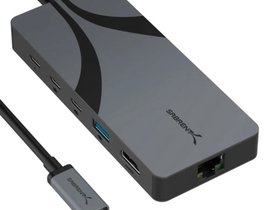
موزع سابرينت U4HP المخصص للسفر بتقنية USB4، منفذ USB-C مزدوج، HDMI 2.1، إيثرنت 2.5GbE، وشحن سريع PD 3.0 (بقدرة 85 واط)
- 87.33 USD
موزع HDMI من Heatz ZT93 بمنفذين 1×2 بدقة 4K@30Hz
- 19.41 USD

كابل JASOZ Type-C إلى USB 2.0 B (ذكر) بطول 3 متر مضفر بسرعة 480 ميجابت/ثانية لأجهزة اللابتوب والكاميرات والماسحات الضوئية والطابعات
- 19.41 USD

كابل JASOZ Type-C إلى USB 2.0 B (ذكر) بطول 2 متر مضفر بسرعة 480 ميجابت/ثانية لأجهزة اللابتوب والكاميرات والماسحات الضوئية والطابعات
- 16.17 USD
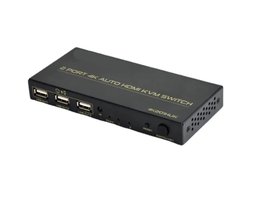
محول KVM HDMI تلقائي بمنفذين بدقة 4K@60Hz، يعمل عبر USB
- 38.81 USD
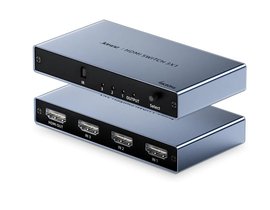
محول HDMI من Jasoz G153 بثلاثة منافذ 3×1 بدقة 4K@60Hz
- 22.64 USD
 7%
7%خصم
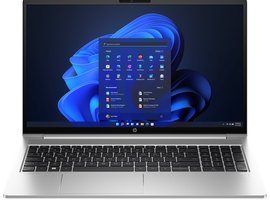
لابتوب HP ProBook 460 G11 مقاس 16 بوصة، معالج Ultra 7، ذاكرة 8 جيجابايت، تخزين 512 جيجابايت NVMe، نظام DOS، لون فضي
- 808.59 USD
- 756.84 USD
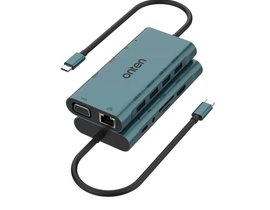
محطة توصيل Onten 9591 USB-C متعددة المنافذ 11 في 1 مع HDMI بدقة 4K@30Hz وVGA وRJ45 و3.5 مم وقارئ بطاقات
- 54.98 USD
 7%
7%خصم
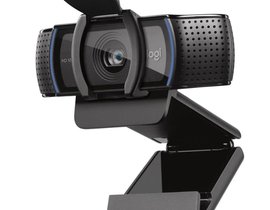
كاميرا ويب Logitech C920s Pro بدقة FHD مع غطاء خصوصية
- 103.50 USD
- 97.03 USD